
Deploy Django
This guide takes a Django project that runs on your machine and gets it running on Kuberns, with a managed PostgreSQL database, working static files, and migrations that run on every deploy.
Most of the work is in your repository rather than in the dashboard. The AI agent works out the framework, the dependency file, the port, and the start command on its own — what it cannot do is make a development-mode Django project safe to run in production. That part is below, and it is worth doing before you deploy rather than after.
Before you start
- A Django project in a GitHub repository that runs locally.
- The name of the package containing
wsgi.py. This guide calls itmyapp. - A Kuberns account. The free trial is enough to follow along.
Prepare your Django project
Four changes, all in your repository.
1. Add the production dependencies
Add these to requirements.txt:
gunicorn
dj-database-url
whitenoise
psycopg2-binary
gunicorn is the production server, dj-database-url parses the database connection string, whitenoise serves your static files, and psycopg2-binary is the PostgreSQL driver.
2. Read configuration from the environment
Django's generated settings.py hard-codes a secret key and leaves DEBUG = True. Neither is safe in production. Replace those lines:
import os

SECRET_KEY = os.environ["DJANGO_SECRET_KEY"]
DEBUG = os.environ.get("DJANGO_DEBUG", "False") == "True"

ALLOWED_HOSTS = os.environ.get("DJANGO_ALLOWED_HOSTS", "").split(",")
ALLOWED_HOSTS is the setting that catches most people. If your deployed hostname is not in this list, Django returns 400 Bad Request on every single request, including the home page, with nothing useful in the logs. You will set the value in a moment, once you know the URL Kuberns gives you.
3. Let Django serve its own static files
Kuberns runs your application as a container. There is no separate static-file layer in front of it, so Django has to serve its own static assets. WhiteNoise does this.
Add STATIC_ROOT and the storage backend:
STATIC_URL = "static/"
STATIC_ROOT = BASE_DIR / "staticfiles"
STORAGES = {
    "staticfiles": {
        "BACKEND": "whitenoise.storage.CompressedManifestStaticFilesStorage",
    },
}
Then add the WhiteNoise middleware. Its position matters — it must sit directly after SecurityMiddleware:
MIDDLEWARE = [
    "django.middleware.security.SecurityMiddleware",
    "whitenoise.middleware.WhiteNoiseMiddleware",
    # ... the rest of your middleware, unchanged
]
Without this step the site deploys and works, but the Django admin and every CSS file 404. It is a confusing failure because nothing errors.
4. Read the database from DATABASE_URL
Replace the generated SQLite block. SQLite writes to local disk, and local disk does not survive a deploy:
import dj_database_url

DATABASES = {
    "default": dj_database_url.config(
        default=os.environ.get("DATABASE_URL"),
        conn_max_age=600,
    )
}
5. Declare your processes
Add a Procfile at the repository root:
web: gunicorn myapp.wsgi:application --bind 0.0.0.0:$PORTReplace myapp with the package containing wsgi.py. The agent reads this file and turns the web entry into your server resource. Binding to $PORT matters: a process listening on a hard-coded port, or on localhost instead of 0.0.0.0, deploys successfully and is then unreachable.
Commit and push all of this before continuing.
Deploy
Connect the repository
Create the service from your Git provider and select the branch you want to deploy. The agent then analyzes the repository and proposes a configuration.
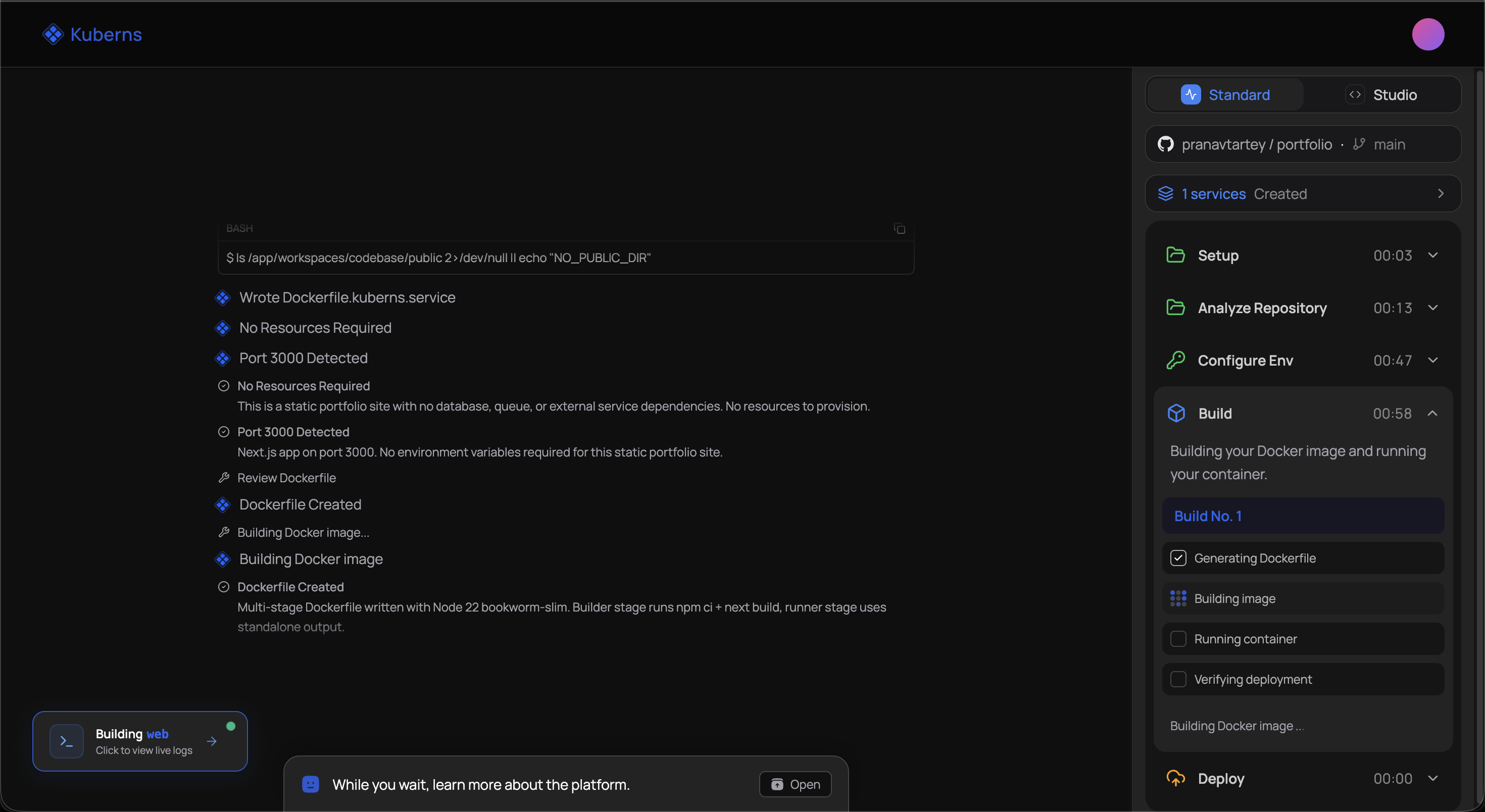
Check two fields on the review screen before you accept it: the root directory, if your Django project is not at the repository root, and the Procfile command, which should match what you just committed.
Add a PostgreSQL database
From the environment's Resources tab, add a PostgreSQL datastore.
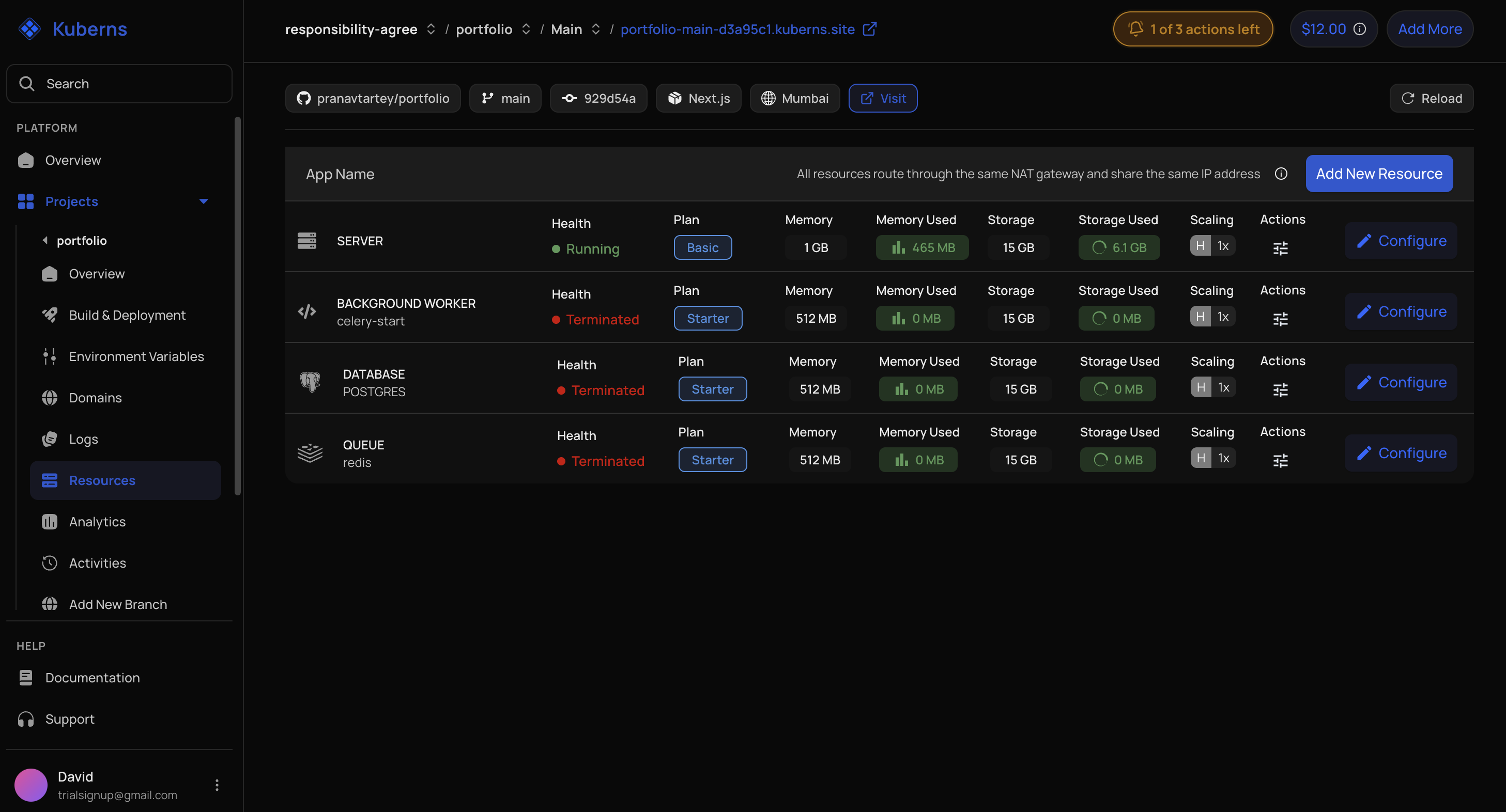
Once it exists, its overview page shows the database name, username, password, and hostname. You will need those in the next step.
Set environment variables
Open Environment Variables and add:
DJANGO_SECRET_KEY      = <a long random string>
DJANGO_DEBUG           = False
DJANGO_ALLOWED_HOSTS   = <your-app>.kuberns.cloud
DATABASE_URL           = postgres://<user>:<password>@<hostname>/<database>
Build DATABASE_URL from the values on the datastore overview page. For DJANGO_ALLOWED_HOSTS, use the hostname Kuberns assigned your environment — you will find it on the environment overview, and it is the value that stops the 400 errors.
Generate a secret key with:
python -c "import secrets; print(secrets.token_urlsafe(50))"Environment variables apply on the next deploy, and saving them triggers one automatically.
Run migrations
Your database is empty until migrations run. Add these as post-build commands in the environment's deployment configuration:
python manage.py migrate --noinput
python manage.py collectstatic --noinput
Post-build commands run after every build, which is what you want for both of these — migrate does nothing when there is nothing to apply, and collectstatic needs to run whenever your assets change.
Redeploy, then watch Logs for a clean boot.
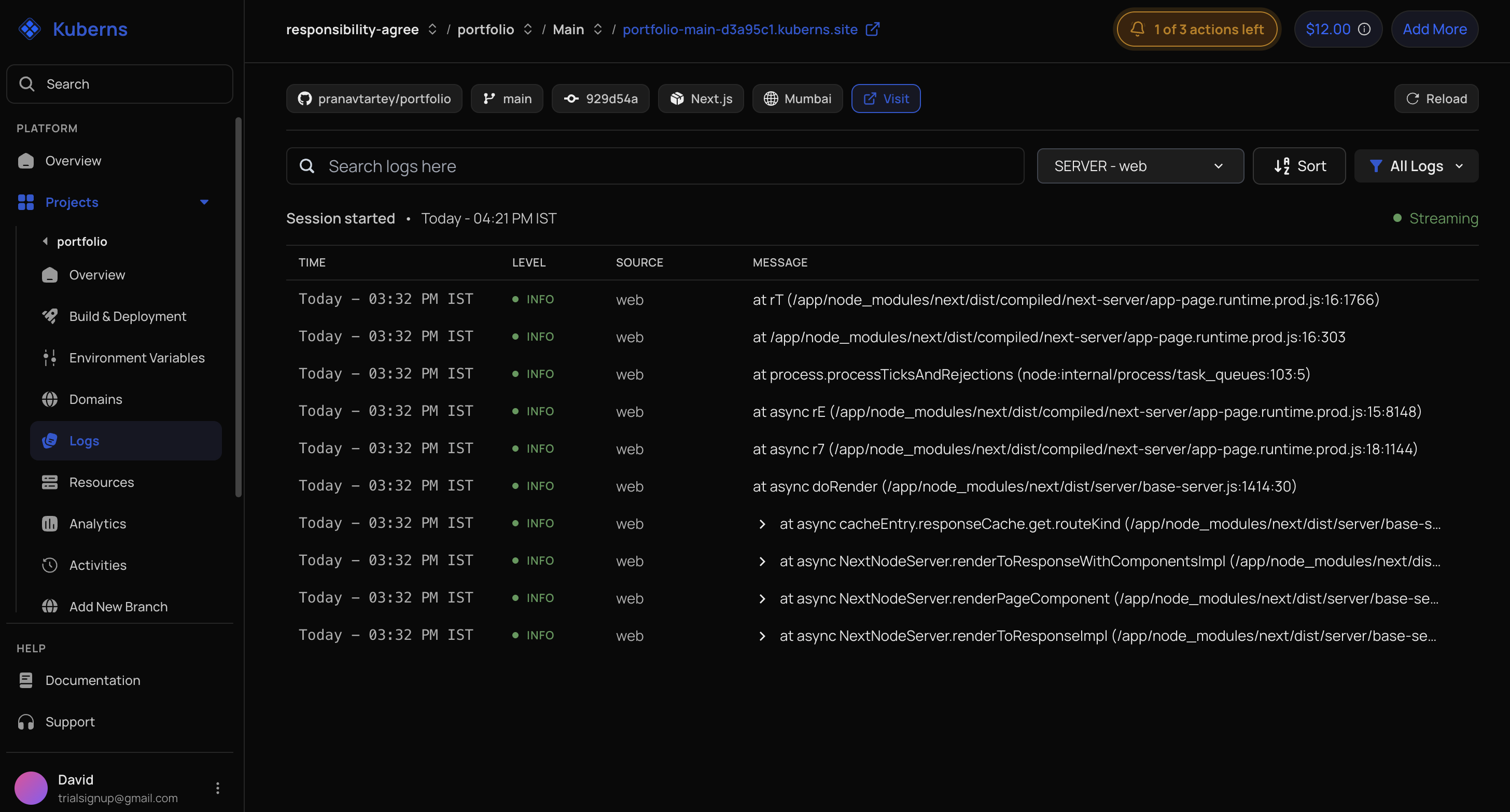
Open the deployed URL. If you see your application, the deploy worked. If you see 400, go back to DJANGO_ALLOWED_HOSTS.
Create an admin user
There is no console for one-off commands, so create the first superuser from a management command your repository provides, or add a one-time post-build command using Django's createsuperuser --noinput with DJANGO_SUPERUSER_* environment variables, then remove it after the deploy that creates the account.
After the first deploy
Add your own domain
Add the hostname under Custom Domains and point DNS at the target shown. See Add a domain.
Two Django settings need updating once the domain is live:
ALLOWED_HOSTS = os.environ.get("DJANGO_ALLOWED_HOSTS", "").split(",")
CSRF_TRUSTED_ORIGINS = os.environ.get("DJANGO_CSRF_ORIGINS", "").split(",")
DJANGO_ALLOWED_HOSTS = app.example.com,<your-app>.kuberns.cloud
DJANGO_CSRF_ORIGINS = https://app.example.comCSRF_TRUSTED_ORIGINS is required from Django 4.0 onward. Without it, the site loads but every form submission and every admin login fails with a CSRF error.
Add a Celery worker
If your project uses Celery, add a Redis queue or cache resource and a background worker resource, then extend your Procfile:
web: gunicorn myapp.wsgi:application --bind 0.0.0.0:$PORT
worker: celery -A myapp worker -l info
Point CELERY_BROKER_URL at the Redis resource. A worker with no resource on the environment simply does not run, and nothing reports an error when it does not.
Common problems
400 Bad Request on every page. The hostname is missing from ALLOWED_HOSTS. This is the most common Django deployment failure, and it looks like a platform problem rather than a settings problem.
CSS missing and the admin unstyled. collectstatic did not run, or the WhiteNoise middleware is in the wrong position. It must be directly after SecurityMiddleware.
CSRF verification failed on a custom domain. Add the domain to CSRF_TRUSTED_ORIGINS, with the https:// scheme included.
The deploy succeeds but the site is unreachable. Gunicorn is bound to a hard-coded port or to localhost. It must bind 0.0.0.0:$PORT.
Data disappears after a deploy. The application is still on SQLite. Confirm DATABASE_URL is set and that dj_database_url.config() is actually reading it.
relation does not exist. Migrations have not run. Check the post-build commands and the build log.