
Operations, usage, and settings
Activities
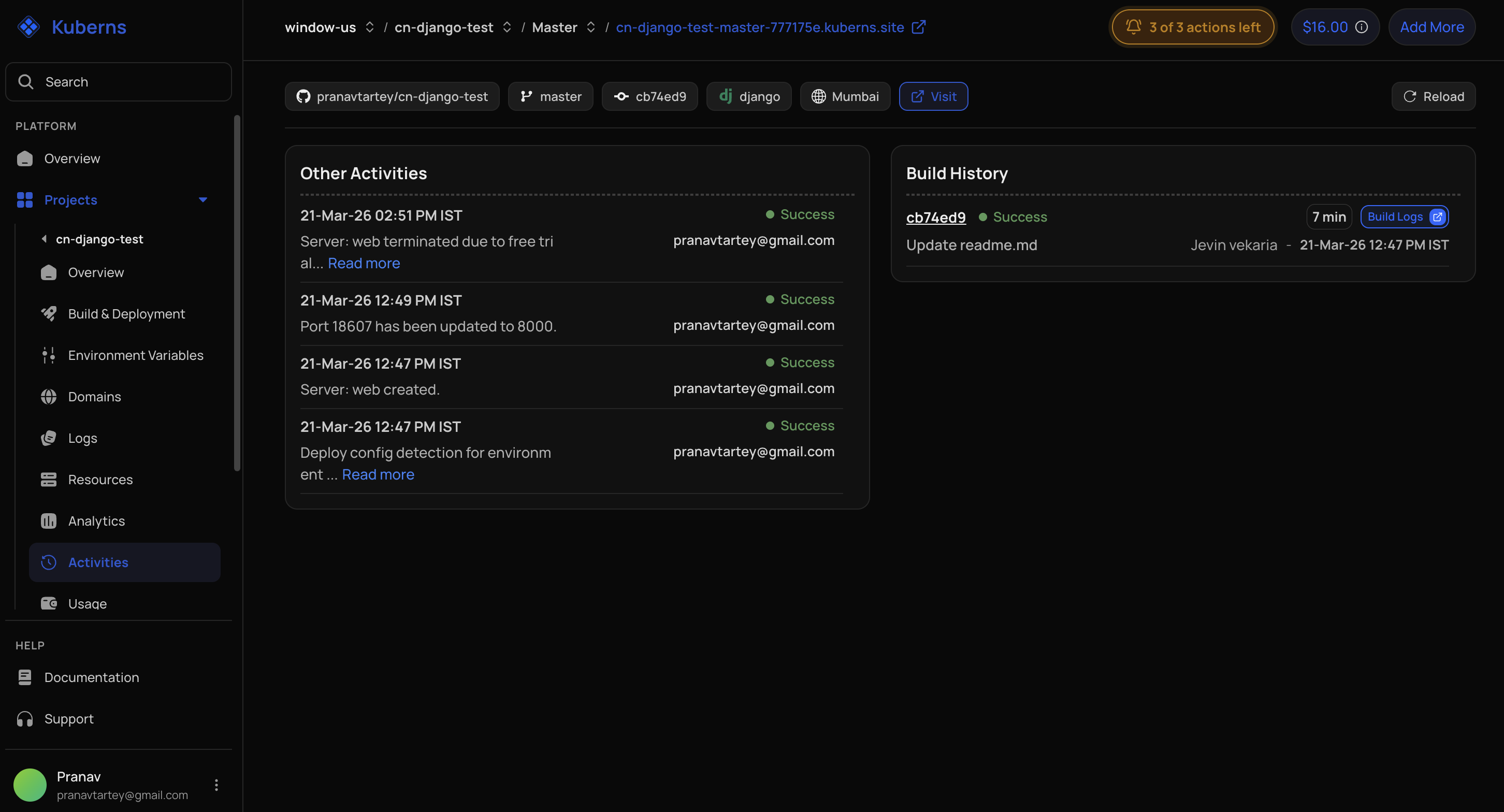
Activities record important actions such as source pushes, application creation, deployments, resource operations, and configuration changes. Use timestamps and status to correlate a dashboard action with logs or resource state.
Usage
The usage view can include:
- Project or service name.
- Total runtime hours.
- Data transfer.
- Total bill.
- A detailed usage view.
Billing pages provide broader account-level credit, transfer, recharge, and settlement history.
User Management
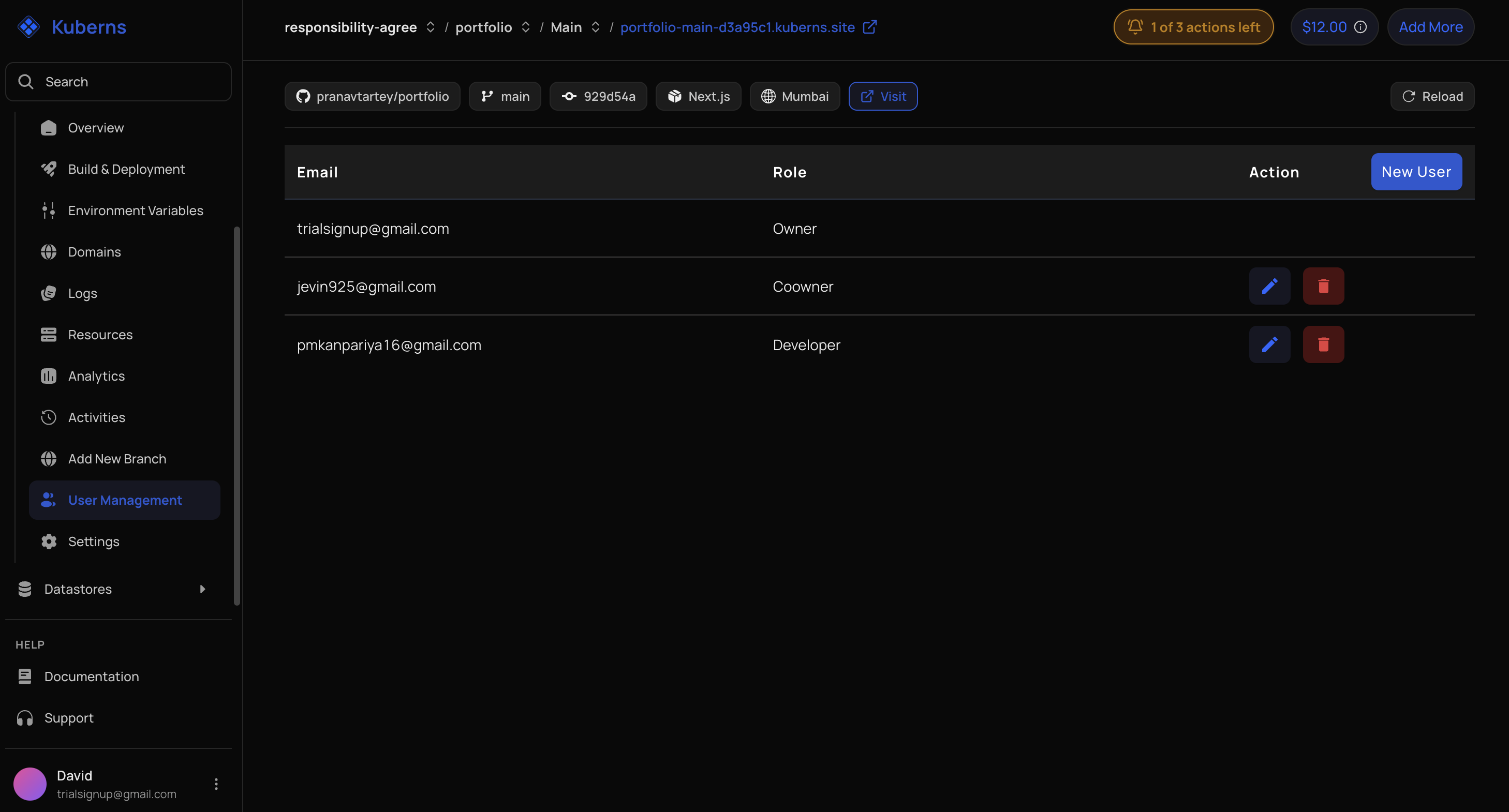
Invite or manage users according to the Kuberns role hierarchy. The ability to grant a role depends on the current user's role. Trial accounts can be restricted from adding, updating, or removing users.
Settings
Settings contain service or environment operations exposed by the current release. Destructive actions such as termination should be treated as irreversible unless the dashboard explicitly provides recovery.
The Advanced settings section of a service's Settings page holds three cards:
- Health check: the path Kuberns requests after a deployment. It is set per environment.
- Ignored paths: files whose changes should not trigger a Git push deployment. It is set per environment.
- Manage Autodeploy: which saved changes wait for the Deploy button. Here it is a read-only list. The choice itself is made once, in Account → Settings.