
Builds and deployments
Build & Deployment
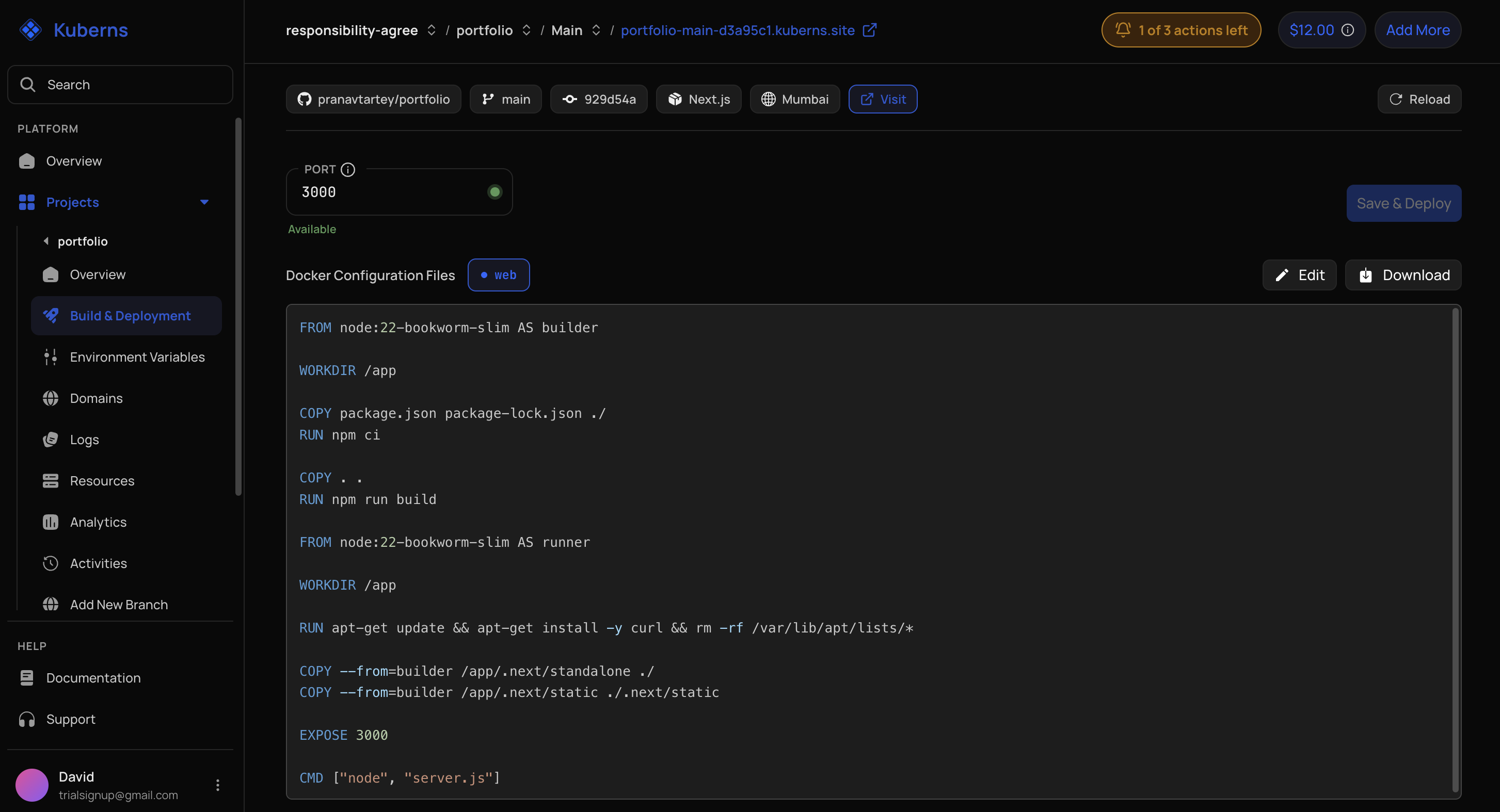
Use this tab to inspect or edit:
- Root directory.
- Pre-build commands.
- Post-build commands.
- Procfile commands.
- Application port.
- Dockerfile.
These values can come from agent detection, template configuration, or a later dashboard update.
Build Logs
Build logs show pipeline output for a build. Use them to identify:
- Missing dependencies.
- Invalid build commands.
- Incorrect root directories.
- Container build failures.
- Post-build failures.
- Missing or malformed configuration.
Free-trial restrictions can limit build-log history. Current build output may still appear in the deployment experience.
Overview
The Overview tab brings together the latest build, environment state, detected issues, and available Kuberns Fixes. A completed agent session and a successful application build are separate milestones.