Deploy Mautic on Kuberns
This guide explains how to deploy Mautic on Kuberns using the official one-click template.
Mautic is an open-source marketing automation platform used for email campaigns, contact management, landing pages, segmentation, and marketing workflows. It gives you full control over your marketing stack without relying on third-party SaaS tools.
However, deploying Mautic manually can be complex. It typically requires web server configuration, database setup, storage management, SSL configuration and background job handling.
Kuberns removes that complexity by providing a production-ready Mautic template. You do not need to fork a repository, configure GitHub, or add environment variables manually.
Everything required to run Mautic is preconfigured. Kuberns handles all infrastructure and runtime configuration automatically.
Steps for Self-Hosting Mautic on Kuberns
Deploying Mautic on Kuberns is one of the simplest setups. You do not need to fork a repository, connect GitHub, or configure environment variables. The template is already fully prepared for production use.
Step 1: Open the Mautic One-Click Template
Go to the Templates page on Kuberns and select the one-click AI Mautic Deployment template. Click Deploy to begin.
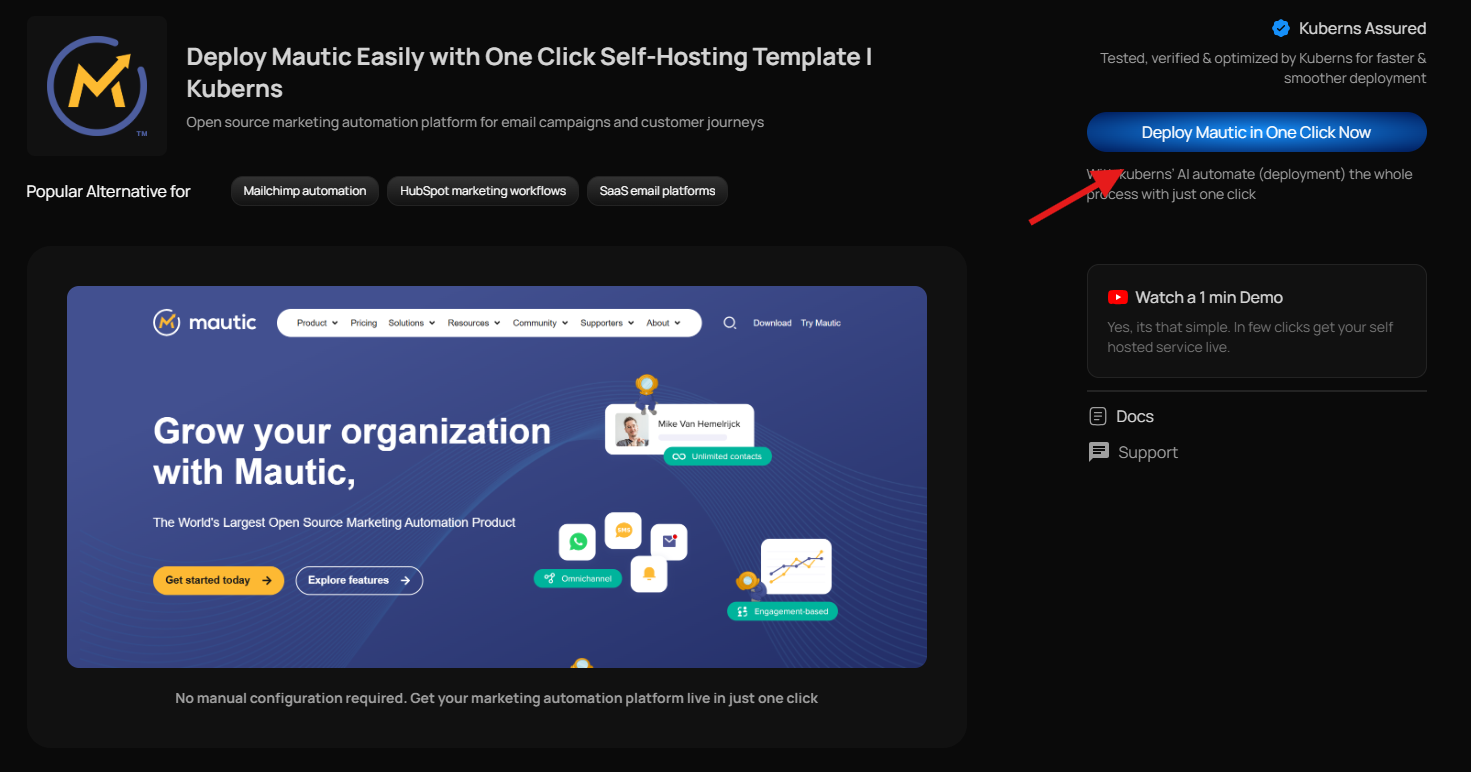
This template is already configured to run Mautic in a production environment. The correct runtime, storage configuration, and background services are handled automatically. You are not starting from scratch or setting up a generic container.
Once selected, you will be taken directly to the deployment screen.
Step 2: Add Basic Project Details
On the deployment screen, you only need to fill in a few simple details.
Enter your project name. This can be anything meaningful to you, such as "Marketing Automation" or "Company CRM."
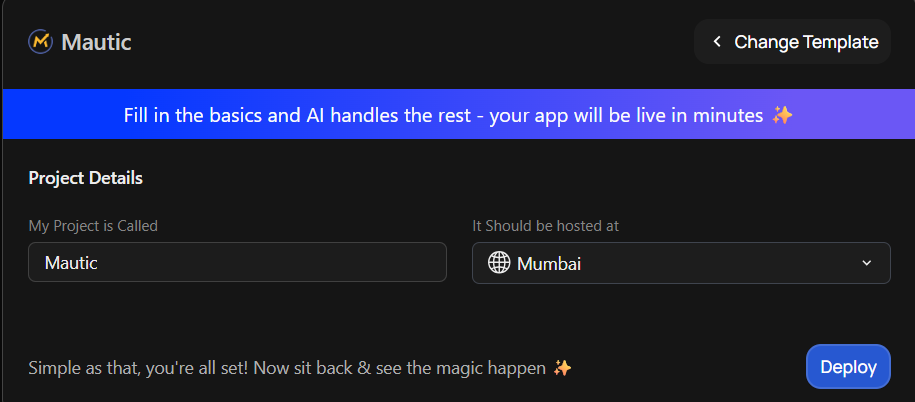
Next, choose the server region where you want your application to be hosted. Select the region closest to your users for better performance.
There are no environment variables to configure and no repository to connect. Everything required for Mautic to run is already wired correctly inside the template.
Step 3: Click Deploy
After entering the basic details, click Deploy.
From this point onward, Kuberns handles everything automatically. It sets up the database, configures storage, prepares the runtime environment, and exposes your application securely with HTTPS enabled.
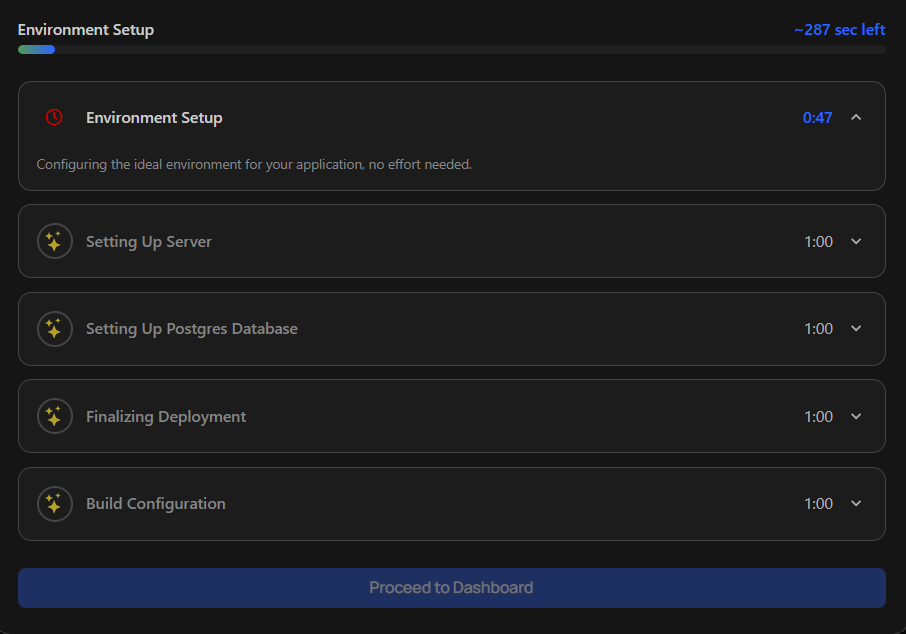
You can monitor the deployment logs in real time while the setup runs in the background.
When deployment is complete, you will see a live URL in your dashboard. Open it, complete the initial Mautic setup through the web installer, and your marketing automation platform will be ready to use.
Mautic will now be running 24/7 in a production-ready environment without you managing any infrastructure.
Accessing Mautic After Deployment
Once the deployment is complete, you will see a live URL inside your Kuberns dashboard. This is your publicly accessible Mautic application.
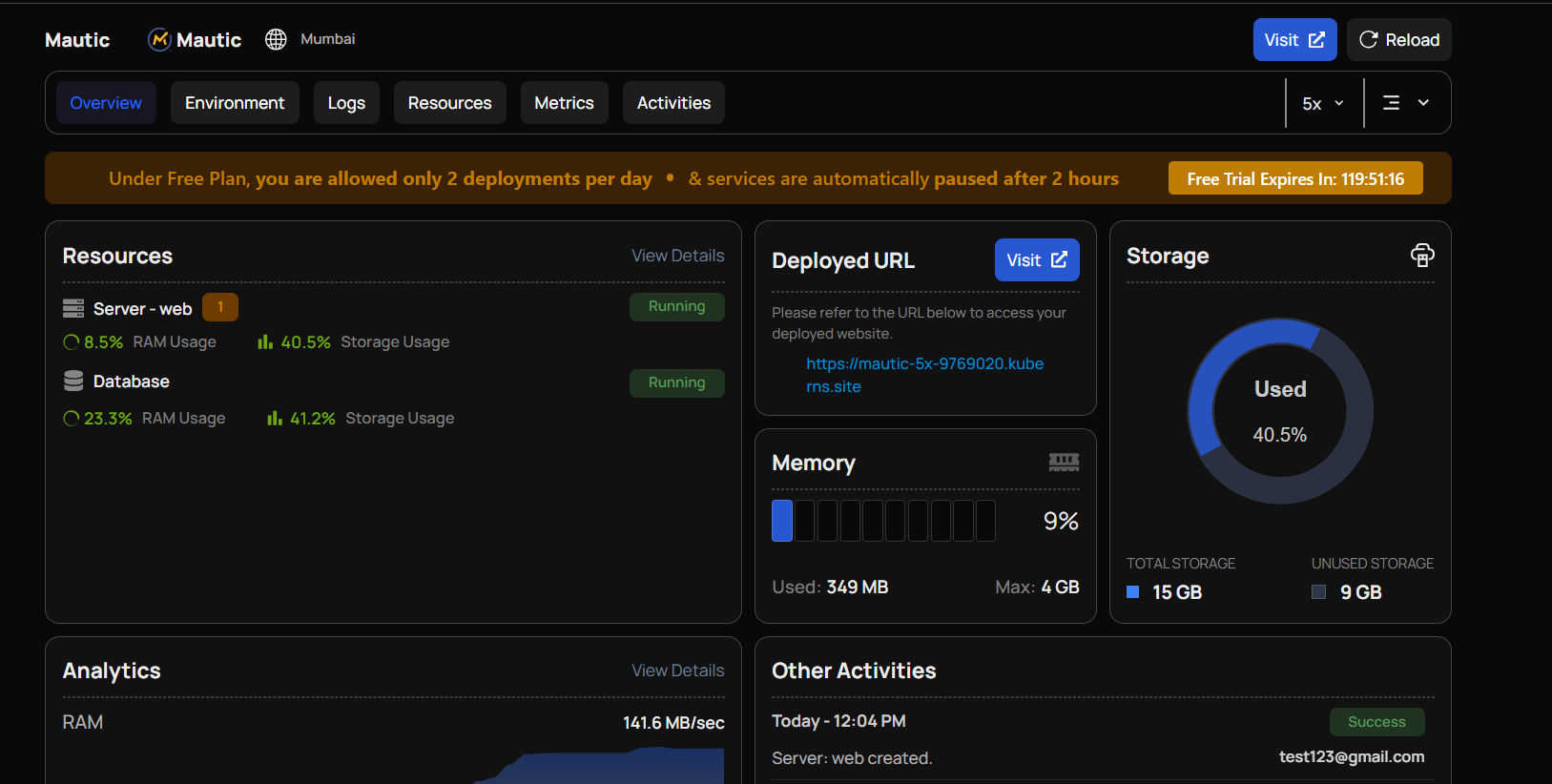
Click the provided HTTPS link to open Mautic in your browser. SSL is already enabled automatically, so you do not need to configure certificates or security settings manually.
Why Deploy Mautic on Kuberns
- True One-Click Deployment: No GitHub setup, no repository forking, and no manual configuration required.
- Production-Ready Template: The runtime, database, storage, and background services are preconfigured for Mautic.
- Automatic HTTPS: Your Mautic instance is exposed with a secure HTTPS URL by default.
- Persistent Storage Included: Contacts, campaigns, emails, and assets are safely stored and survive restarts.
- No Infrastructure Management: You don't need to manage servers, containers, databases, or cron jobs manually.
- Built-In Logs and Monitoring: View real-time logs and monitor performance directly from the Kuberns dashboard.
- Focus on Marketing, Not DevOps: Spend time building campaigns and automations instead of managing hosting.