AFFINE Deployment Guide on Kuberns | Deploy in One Click
This guide explains how to deploy AFFINE on Kuberns using the one-click template. The entire deployment process is designed to be simple and automated. You do not need to configure servers, write Docker files, or manage infrastructure.
Kuberns uses AI to handle the complete deployment process. You only select the template and click deploy. Everything else is taken care of automatically.
Before You Begin
Before starting, make sure you have:
- A Kuberns account
No cloud provider accounts, GitHub repositories, or infrastructure knowledge are required.
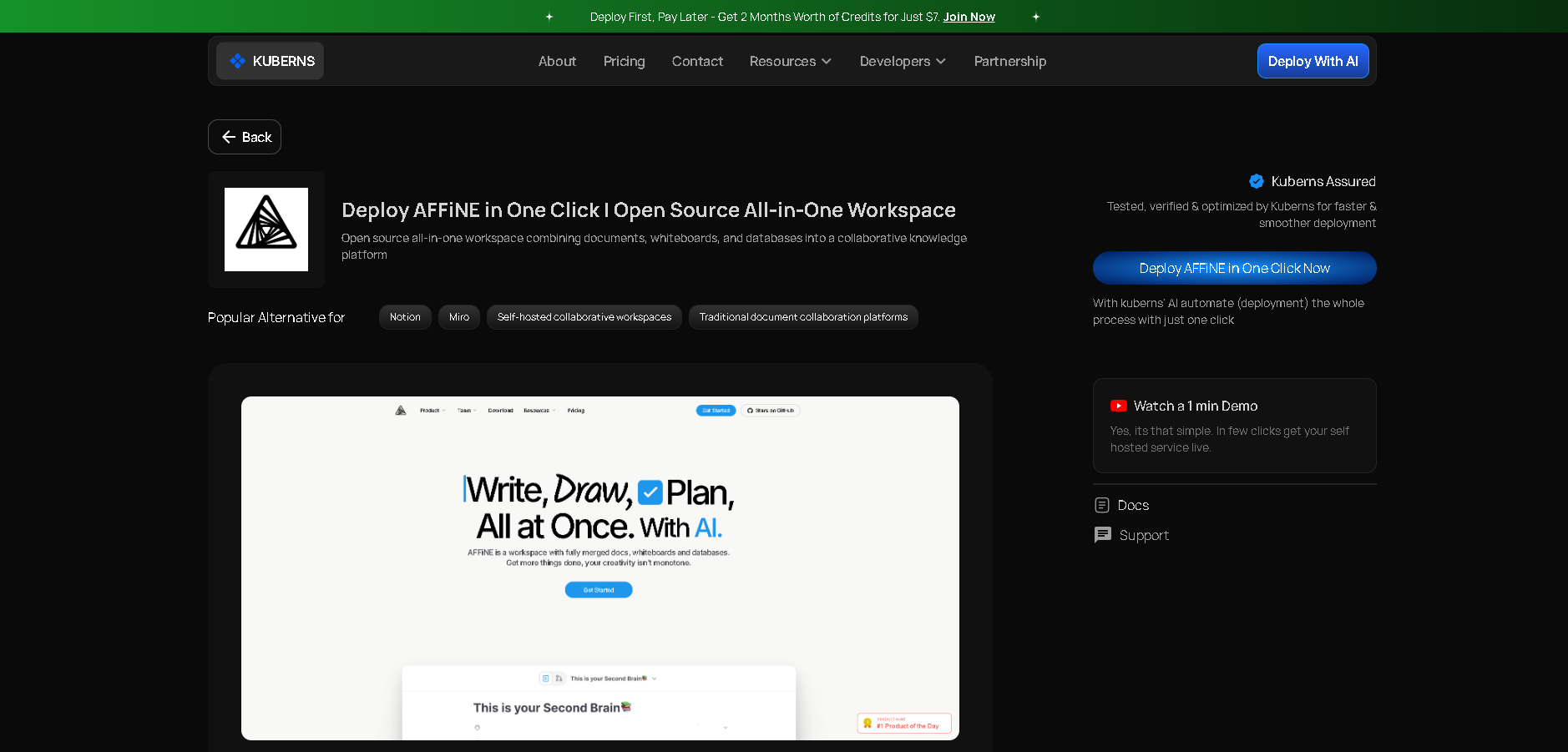
Step 1: Open the AFFINE One-Click Template
- Go to the Templates page on Kuberns
- Find and select the Affine One-Click Template
- Click on Deploy to begin the deployment process
Step 2: Sign Up on Kuberns
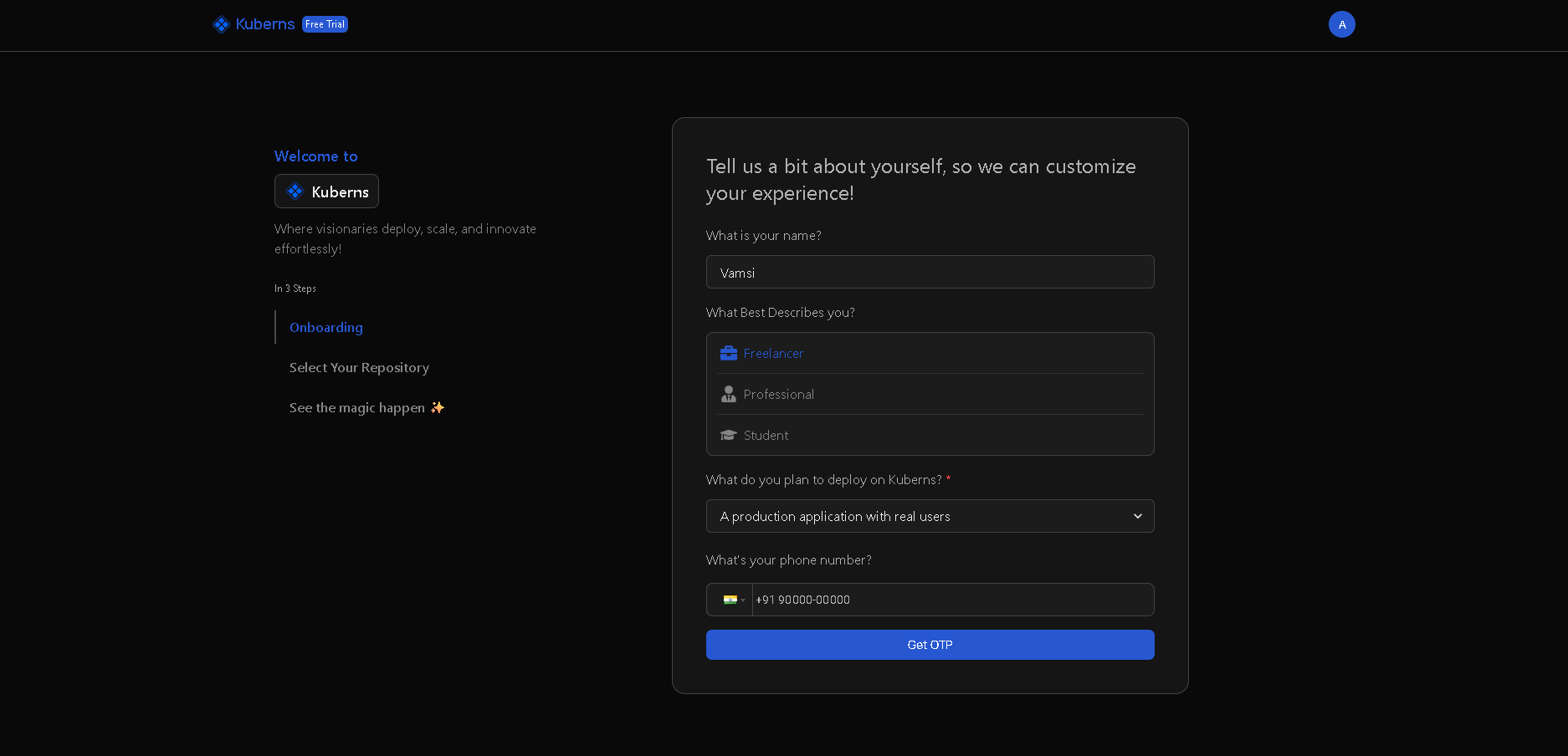
- Sign up using your email or connect with GitHub / Google
- Complete the brief onboarding process (takes 2 minutes)
You're now ready to deploy.
Step 3: Fill in Basic Project Details
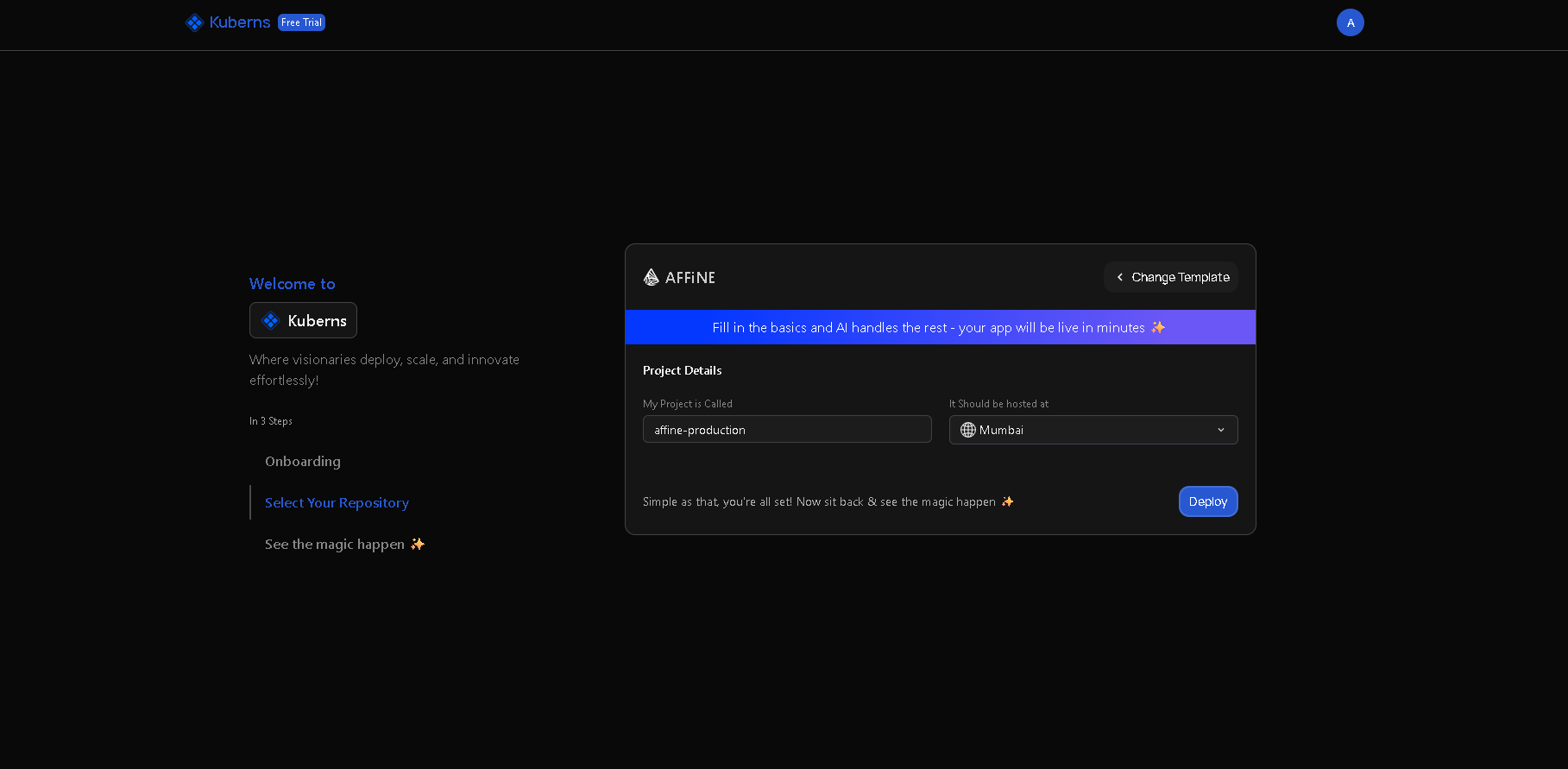
Fill in the basic service details:
- Project Name:
affine-production(or your preferred name)
At this stage, no infrastructure or runtime configuration is required. All infrastructure-related setup is handled automatically by Kuberns AI.
Step 4: Click Deploy
Once the basic project details are filled in:
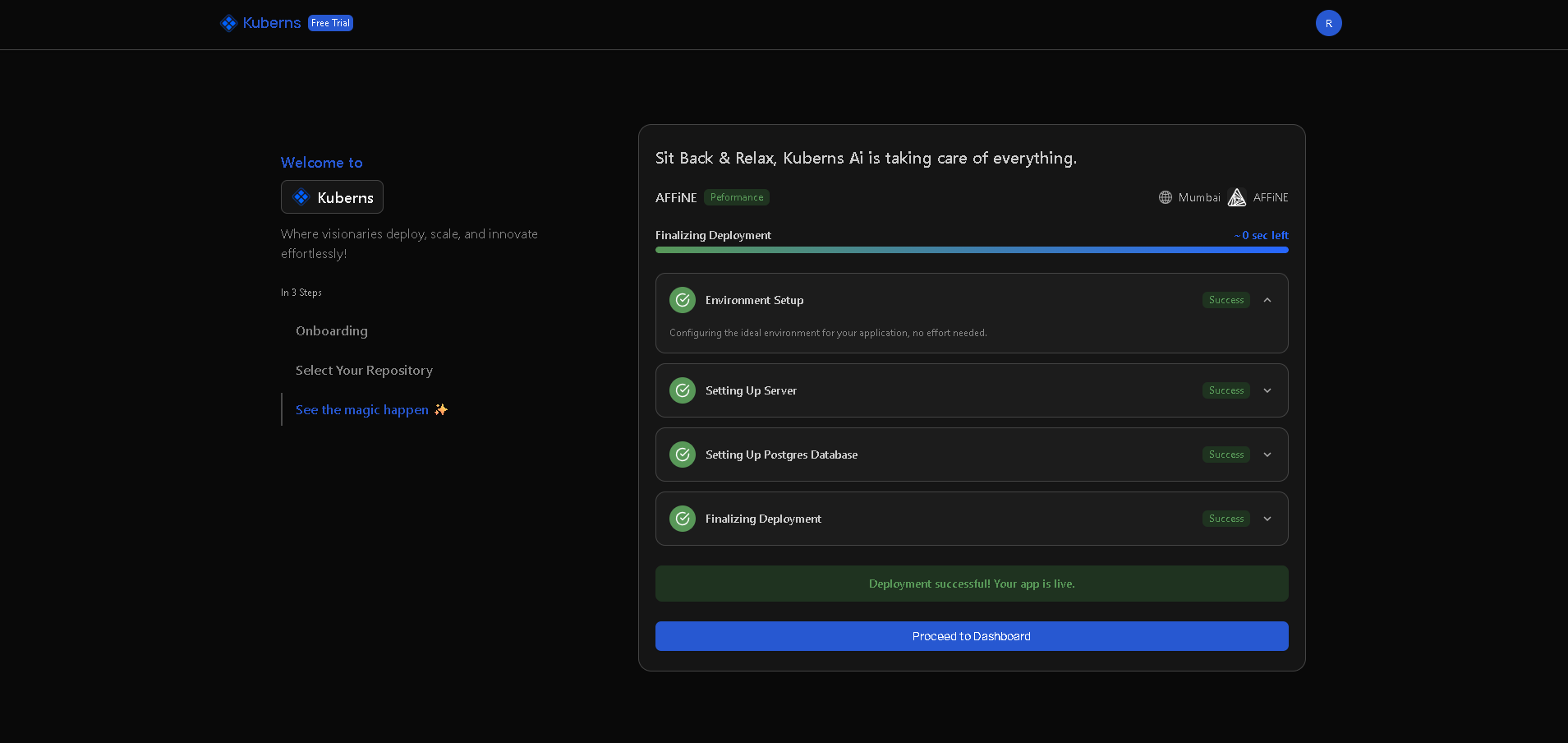
Click Deploy and Kuberns AI will automatically:
- Build the application from your GitHub repository
- Provision infrastructure including PostgreSQL database and Redis cache
- Configure networking and set up SSL/TLS certificates
- Enable SSL for secure HTTPS connections
- Start the AFFINE service with proper health checks
Deployment typically completes in 5–8 minutes.
When the deployment finishes, your AFFINE application is live.
Accessing Your AFFINE Instance
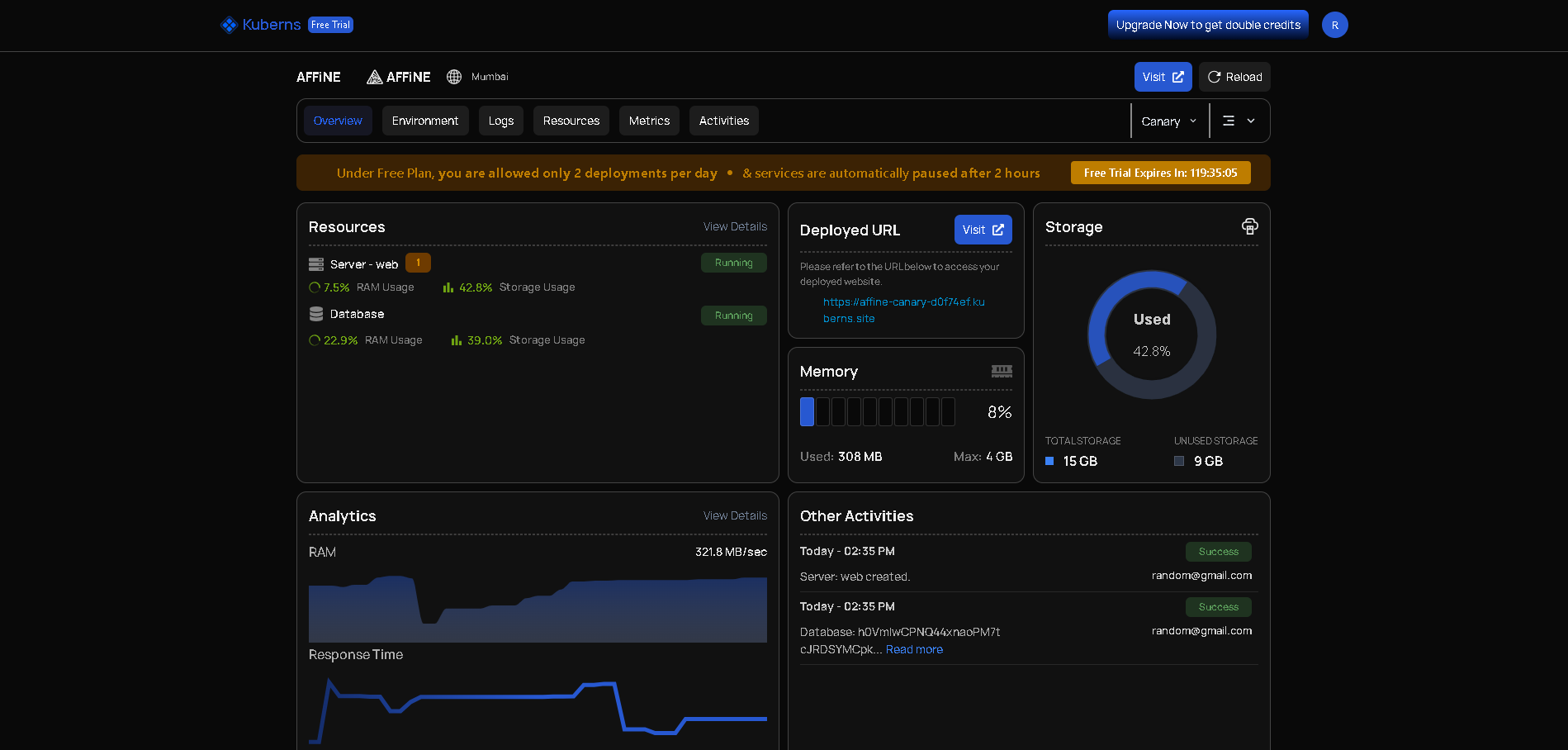
After deployment, click the application URL shown in the Kuberns dashboard. This opens the AFFINE interface in your browser.
Once deployment is complete, your knowledge management workspace will be available at:
-
A default Kuberns-provided HTTPS URL Example:
https://your-app-name.kuberns.cloud -
SSL is enabled automatically
-
No manual certificate setup required
You can access the AFFINE interface to start creating your workspace immediately.
Why Deploy AFFINE on Kuberns
Deploying AFFINE on Kuberns gives you:
- Zero infrastructure setup – You don't need to manage servers, containers, or cloud services. Kuberns handles everything automatically.
- Zero configuration – No environment variables, no secrets, no database setup. Everything is configured automatically.
- One-click deployment – Select the template and click deploy. The app goes live in minutes.
- AI-driven deployment – Kuberns AI analyses the AFFINE requirements, configures the runtime, provisions database and cache, generates secrets, and sets up the environment without manual steps.
- Production-ready by default – AFFINE runs 24/7 with PostgreSQL, Redis, SSL, monitoring, and reliable infrastructure already configured.
Support & Resources
- Official AFFINE Docs: https://affine.pro/docs
- GitHub Repository: https://github.com/toeverything/AFFINE
- Kuberns Support: Available in your dashboard